Free WiFi QR Code Generator — Create, Download & Share Instantly
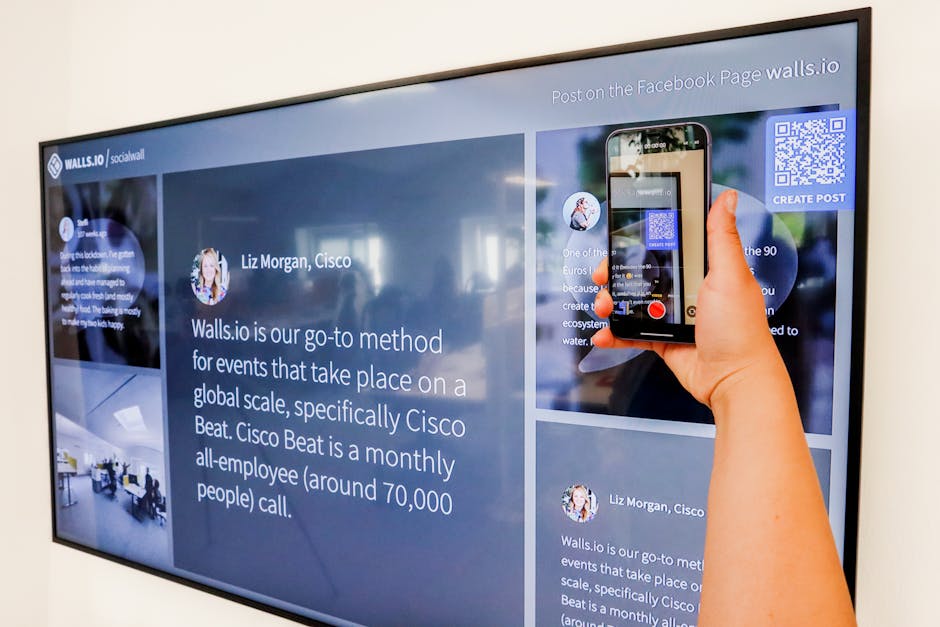
Here's the truth: typing out your WiFi password to every single guest is one of life's most unnecessary frustrations.
Our free WiFi QR Code Generator lets you create a scannable QR code for your network in about 10 seconds. Guests scan it with their phone camera and connect instantly — no password, no spelling, no "is that a capital L or a lowercase one?".
Everything runs in your browser. Your password is never sent anywhere. Completely private.
Let's dive right in.
WiFi QR Code Generator — Free & Instant
Fill in your network details below. The QR code updates live as you type.
Your password never leaves your browser. This tool runs entirely on your device — nothing is stored or transmitted.
How to Share Your WiFi QR Code
Once you have generated your QR code, here are the best ways to put it to work:
- Print and stick it on your fridge. Classic. Guests find it, scan it, done. No asking, no spelling, no "is that a capital letter in there?"
- Frame it by the front door or entryway. Airbnb hosts love this. It greets guests the moment they walk in.
- Include it in a welcome pack or guest booklet. Perfect for holiday rentals, home offices with visitors, or anyone running a small guesthouse.
- Send the shareable link. Hit "Copy shareable link" above and send it via WhatsApp, email, or message. Whoever opens the link sees the QR code ready to scan — no app, no account needed.
- Add it to your business card or table tent. If you run a cafe, restaurant, or co-working space, a printed WiFi QR code on every table eliminates the most common customer question you get.
How to Scan a WiFi QR Code
On most modern phones, it is as simple as pointing your camera at the code:
- iPhone (iOS 11+): Open the Camera app, point at the QR code, tap the yellow banner that appears. Done.
- Android (9+): Open the Camera app, point at the QR code, tap the notification. If your camera does not detect it automatically, use Google Lens — it works on any device.
- Any device: Google Lens is the most reliable option across all platforms.
For a full guide on scanning WiFi QR codes — including how to extract the actual password text from one — read: How to Get WiFi Password from QR Code.
FAQ: WiFi QR Code Generator
Is this WiFi QR code generator really free?
Yes, completely free — no account, no email, no watermarks, no limits. Generate as many QR codes as you want.
Is it safe to enter my WiFi password here?
Absolutely. The entire tool runs inside your browser using JavaScript. Your password is never sent to any server — it goes directly into the QR code image on your screen. You can disconnect from the internet and the tool still works perfectly.
Does the QR code expire?
Never. A static WiFi QR code is permanent. It only stops working if you change your WiFi password or network name — in that case, just generate a new one. Takes 10 seconds.
What QR code format does this tool use?
It uses the standardized WiFi QR code format: WIFI:T:WPA;S:NetworkName;P:Password;; — the same format that iPhone, Android, and all modern QR scanners recognize natively. No app required to scan it.
What security type should I choose?
Almost all modern home routers use WPA/WPA2 — that is the right choice for the vast majority of people. If your router is more than 10 years old, it might use WEP. If your network has no password at all, select "No password (open)".
Can I share my WiFi QR code link with someone remotely?
Yes — hit "Copy shareable link" and send it via WhatsApp, email, or any messaging app. The link encodes your network details as URL parameters. Anyone who opens the link sees the QR code ready to scan on their screen. The password is visible in the URL, so only share it with people you trust.
Related posts: How to Get WiFi Password from QR Code · 200+ Funny WiFi Names · WiFi Password Strength Checker
Related posts